Why Can't You Use Your Phone During a Flight? The Real Reason Explained
"Ladies and gentlemen, please switch your devices to Airplane Mode." Ever wondered why? Is it really dangerous to keep your phone on? Let's uncover the complete truth in simple, easy-to-understand language.
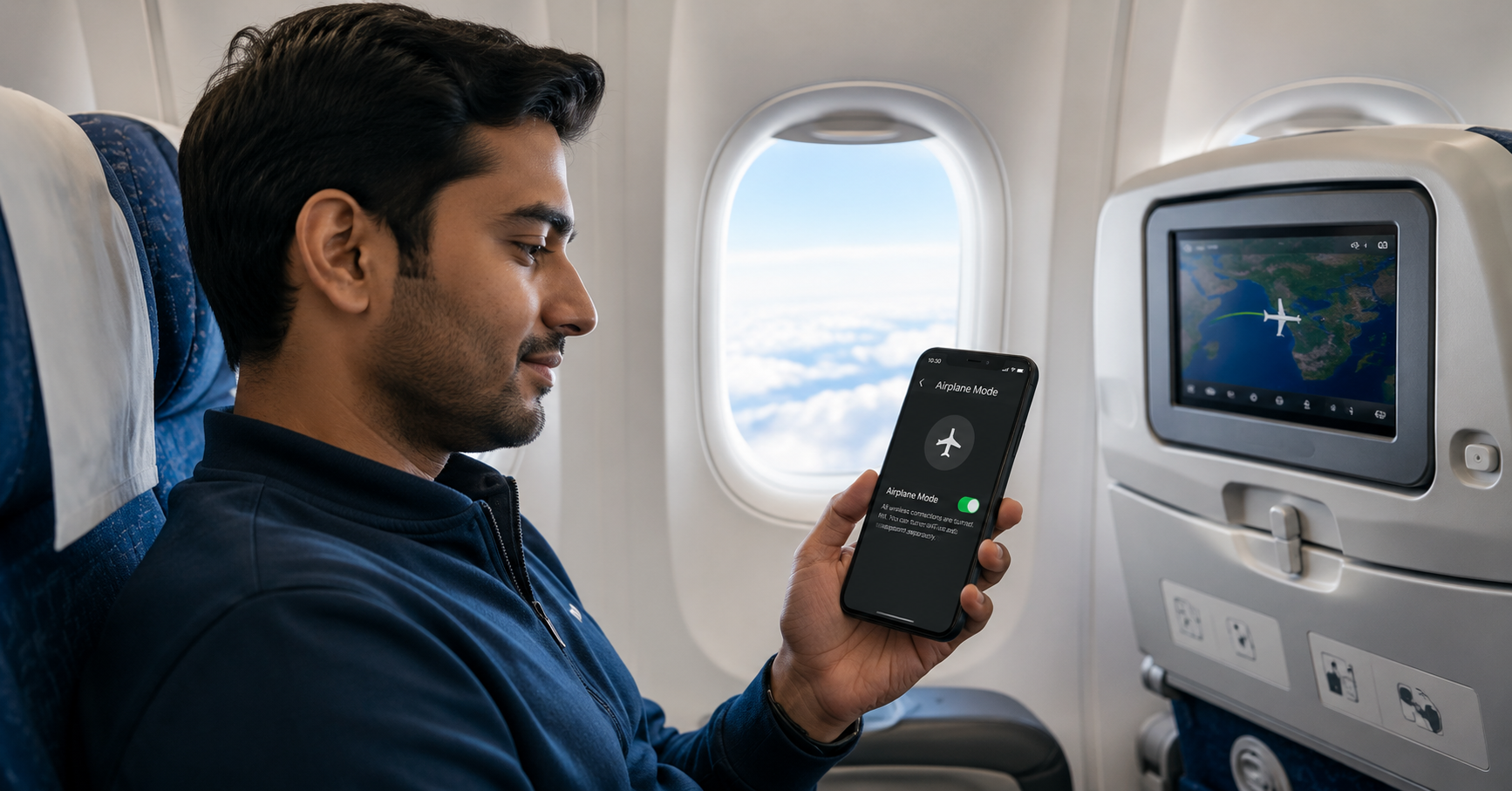
Introduction — Why This Rule Exists
Every time you board a flight, you hear the same announcement: "Please switch your devices to Airplane Mode." For most passengers, it's just another routine instruction. But have you ever stopped to ask — why can't you use your phone during a flight?
Is it because your phone signal could crash the plane? Could it interfere with the pilot's navigation? Or is it just an outdated rule that airlines haven't bothered to change?
The truth is more nuanced than you might think. It's a fascinating mix of radio physics, aviation safety protocols, international regulations, and technological evolution. In this comprehensive guide, we'll explain everything in plain English — no engineering degree required. By the time you finish reading, you'll understand exactly why Airplane Mode exists, what's fact and what's fiction, and what you can (and cannot) do with your phone at 35,000 feet.
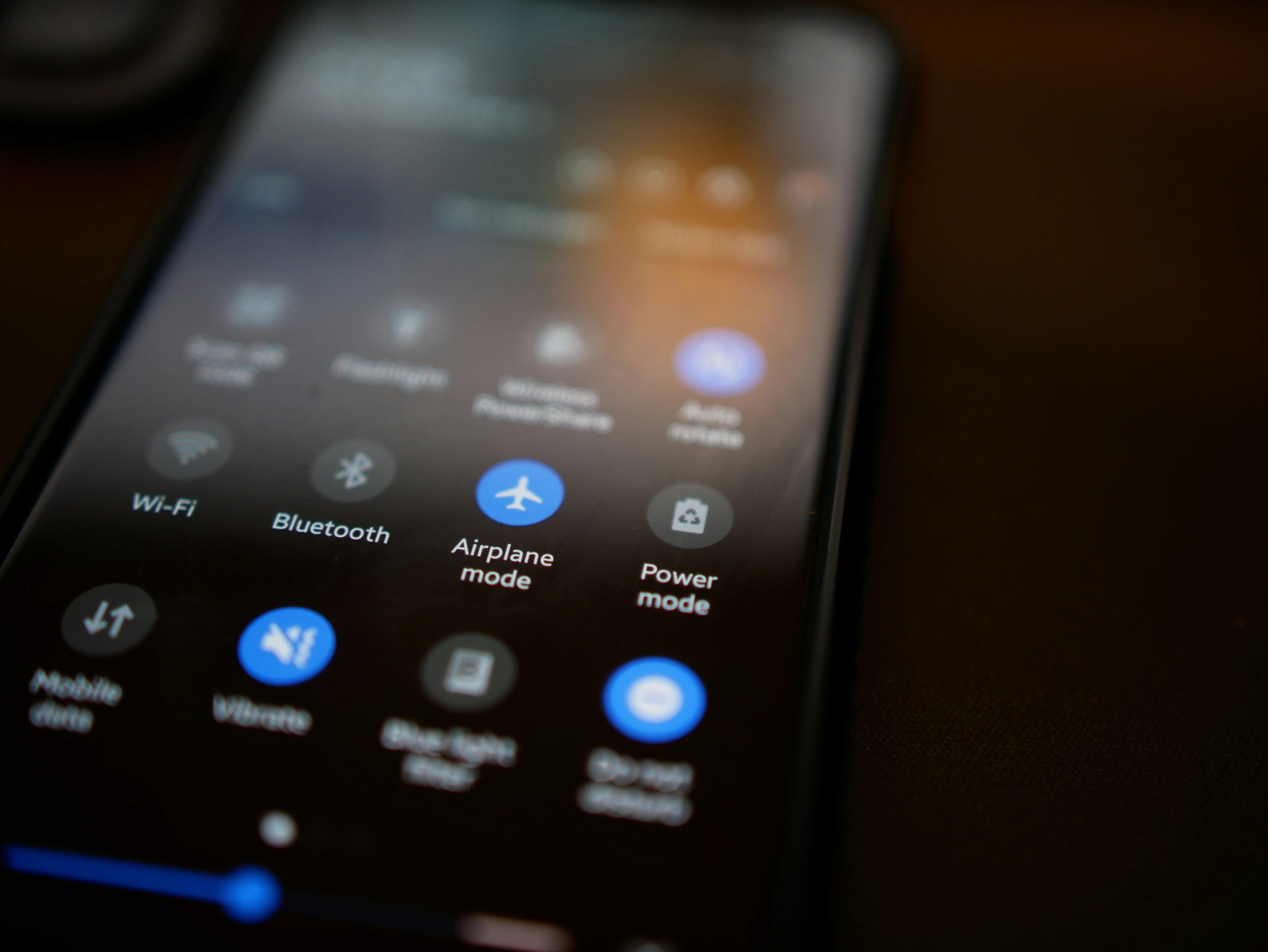
What Is Airplane Mode? A Simple Breakdown
Airplane Mode (sometimes called Flight Mode) is a setting available on virtually every smartphone, tablet, and laptop. When you turn it on, your device immediately stops transmitting most wireless signals. But what exactly gets turned off?
What Airplane Mode Disables:
- Cellular Radio: This is the main one. Voice calls, SMS text messages, and mobile data (2G/3G/4G/5G) are all disconnected. Your phone stops communicating with cell towers entirely.
- Wi-Fi: Initially turned off, but on most modern devices, you can manually re-enable Wi-Fi even while Airplane Mode is active. This is how you connect to in-flight Wi-Fi.
- Bluetooth: Similar to Wi-Fi — it's switched off initially, but you can turn it back on to use wireless headphones, keyboards, or other accessories.
What Airplane Mode Does NOT Do:
- Turn off your phone: Your device remains fully functional. You can use any app that doesn't need an internet connection.
- Disable GPS: GPS is a receive-only technology — it doesn't transmit anything. That's why it usually stays active (though some airlines prefer all location services off).
- Stop you from taking photos, playing games, reading ebooks, or watching downloaded videos.
The Real Reasons Phones Must Use Airplane Mode
Now let's get to the heart of the matter. Why do airlines and aviation authorities around the world insist on Airplane Mode? There are several interconnected reasons — and none of them are about your phone magically bringing down a 200-ton aircraft.
1. Cellular Radio Transmissions
When your phone is searching for a cellular signal, it emits radio frequency (RF) electromagnetic energy. A single phone emits a relatively weak signal. But imagine 200–400 passengers on a single flight, each with at least one active phone. The combined radio energy in a confined aluminum tube becomes something worth paying attention to.
2. Potential Electromagnetic Interference (EMI)
Aircraft rely on dozens of sensitive electronic systems: communication radios, navigation instruments, radar altimeters, GPS receivers, and the autopilot. While modern aircraft are designed with shielding and protection against external interference, aviation regulators take a conservative, precautionary approach. The thinking is: why risk even a tiny chance of interference when the solution is as simple as flipping a software switch?
3. Ground Network Congestion
At 35,000 feet, a phone with cellular service active would "see" dozens of cell towers simultaneously because there are no obstacles. It would try to connect to multiple towers at once, creating unnecessary signaling traffic on ground networks. Multiply this by hundreds of flights per day, and you have a real problem for telecom companies.
4. Regulatory Compliance
Aviation authorities like the FAA (Federal Aviation Administration) in the USA, EASA (European Union Aviation Safety Agency) in Europe, and DGCA (Directorate General of Civil Aviation) in India require airlines to enforce these rules. Airlines must comply to maintain their operating licenses.
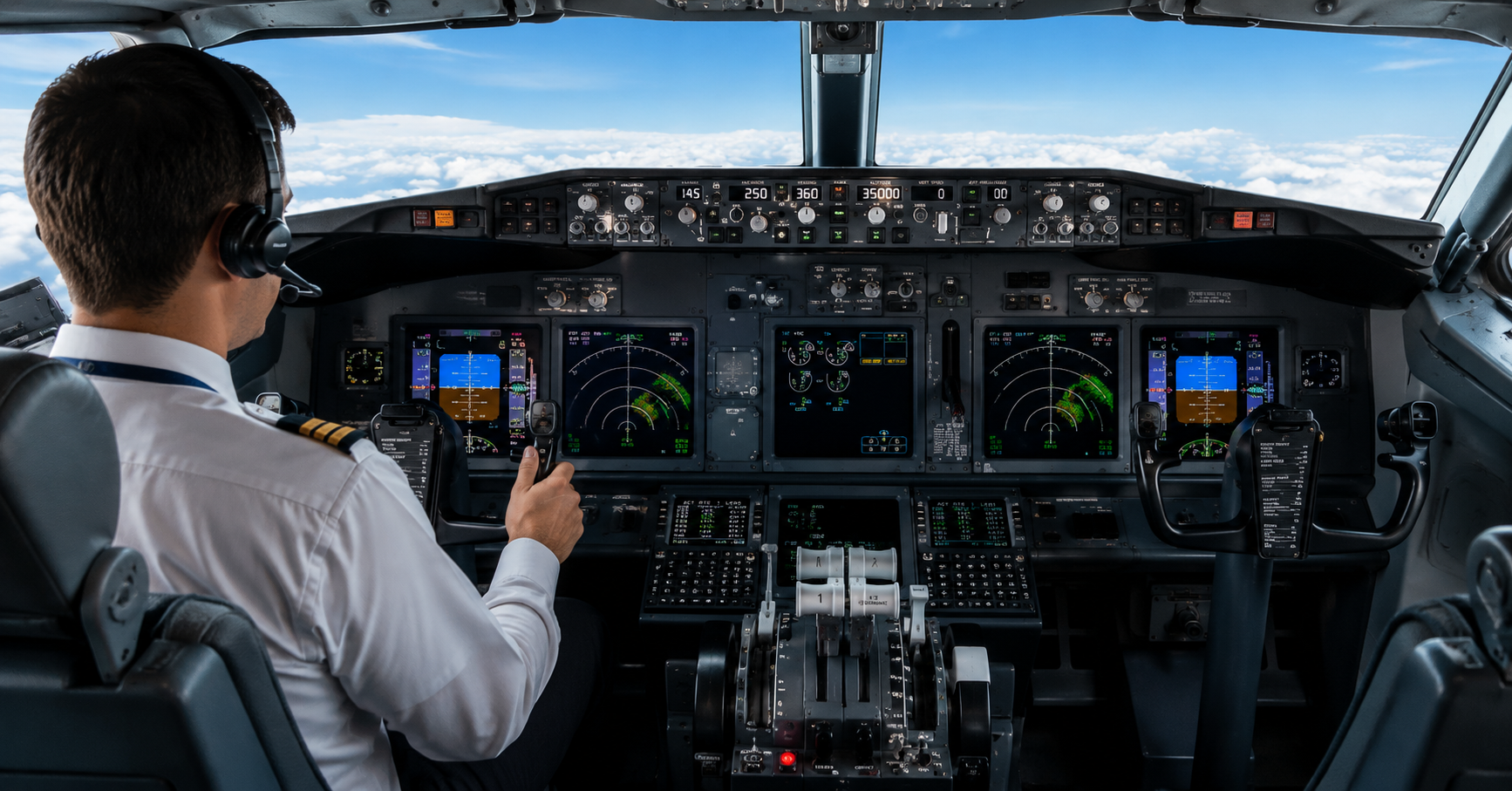
Can a Smartphone Actually Interfere With an Aircraft?
This is the million-dollar question. The honest answer: It's extremely unlikely, but not impossible.
Modern commercial aircraft undergo rigorous electromagnetic compatibility (EMC) testing. Every electronic system is designed and certified to withstand external radio signals far stronger than what a passenger's phone can produce. The wiring is shielded, the avionics are hardened, and critical systems have multiple layers of redundancy.
However, there have been anecdotal reports from pilots over the years about unusual interference on their headsets or navigation displays that seemed to coincide with passengers using phones. While these reports are rare and difficult to verify scientifically, they've contributed to the aviation industry's cautious stance.
The real concern isn't about one phone — it's about hundreds of phones transmitting simultaneously inside the aircraft cabin. The cumulative effect of so many active devices could, in theory, create measurable interference. Airlines and regulators simply choose to eliminate this possibility entirely.
What Happens If You Forget to Turn On Airplane Mode?
Let's be completely realistic — one forgotten phone does not cause an aircraft emergency. If a passenger accidentally leaves their cellular connection active, the world will not end. The flight crew may not even notice.
But here's what actually happens to your phone:
- Battery drains rapidly: Your phone will continuously search for a cellular signal at maximum power. With no tower in range at 35,000 feet, this constant searching consumes significant battery.
- Unnecessary radio transmissions: Your device sends out signals trying to "ping" any nearby towers, adding to the cumulative radio noise.
- Crew may remind you: If cabin crew notice your phone isn't in Airplane Mode, they'll politely ask you to enable it. It's a simple request, not an emergency.
So while there's no need to panic if you forget, it's still good practice to switch to Airplane Mode when asked. It saves your battery, respects the rules, and contributes to the overall safety environment.
Why Your Phone Can't Connect to Towers at 35,000 Feet
Even if you didn't use Airplane Mode, you probably wouldn't get a usable cellular signal anyway. Here's why:
- Altitude Problem: Cell towers are designed to cover the ground, not the sky. Their antennas are typically angled downward to serve people on the surface. At cruising altitude, you're far above the effective coverage zone.
- Speed Problem: A commercial jet travels at approximately 900 km/h (560 mph). Cellular networks are designed for users moving at walking or driving speeds. The network's handoff mechanism — which transfers your connection from one tower to the next — simply can't keep up with a plane's velocity.
- Multiple Tower Confusion: At high altitude, your phone might "see" dozens of towers simultaneously because there's no terrain blocking the signals. The device gets confused trying to decide which tower to connect to.
- Line-of-Sight Issues: While there's a clear line of sight from the plane to the ground, the curvature of the Earth and the angle of cell tower antennas mean that consistent connection is nearly impossible.
In short: even without Airplane Mode, your phone would struggle to maintain a usable connection — but it would try relentlessly, draining its battery and creating unnecessary radio noise in the process.
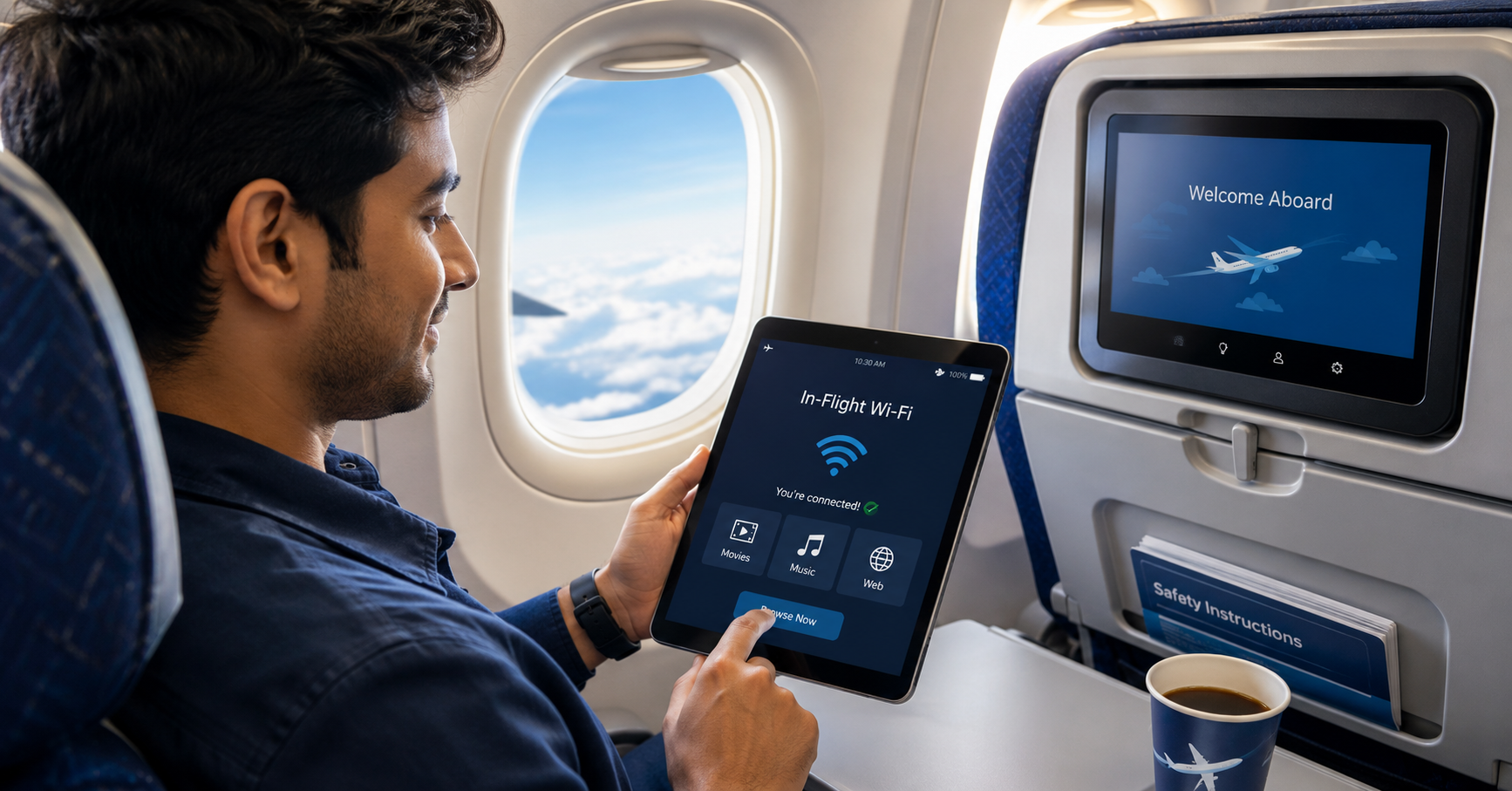
Can You Use Wi-Fi on a Plane? Yes, Here's How
Good news — in-flight Wi-Fi is widely available on many modern aircraft. But how does it work, and why is Wi-Fi allowed when cellular isn't?
How In-Flight Wi-Fi Works:
- Satellite-Based Wi-Fi: The most common system today. The aircraft has an antenna on top that communicates with satellites orbiting Earth. These satellites relay the internet connection to ground stations. This works over oceans and remote areas.
- Air-to-Ground (ATG) Wi-Fi: Older system where the plane connects to dedicated ground towers. Less common today but still used on some regional flights.
Why Wi-Fi Is Allowed While Cellular Is Not:
Wi-Fi operates at much lower power levels than cellular radios. A typical Wi-Fi transmitter uses about 0.1 watts, while a cellular phone trying to reach a distant tower can use up to 2 watts — that's 20 times more powerful. Additionally, Wi-Fi uses different frequency bands that are well-separated from aviation communication frequencies.
Bluetooth Headphones on a Plane — Allowed or Not?
Yes, Bluetooth headphones are generally permitted on most commercial flights. Bluetooth operates at extremely short range (typically 10 meters or less) and at very low power — around 2.5 milliwatts for most devices. That's about 800 times less power than a cellular phone at maximum output.
However, there are a few important caveats:
- Follow Crew Instructions: During takeoff and landing, crew may ask you to remove headphones (even wireless ones) so you can hear safety announcements clearly.
- Airline Policies Vary: While Bluetooth is widely accepted, some airlines may have specific restrictions. Always check with your airline or listen to the pre-flight announcement.
- Pairing Mode Caution: If your headphones are in pairing mode, they may actively search for devices, which uses slightly more power. It's fine, but something to be aware of.
Why Rules Have Changed — Modern Aircraft & Evolving Policies
If you've been flying for decades, you'll remember when all electronic devices had to be completely switched off during the entire flight. Today, you can use tablets, laptops, e-readers, and even connect to Wi-Fi. What changed?
The Evolution:
- Better Aircraft Shielding: Modern aircraft like the Boeing 787 Dreamliner and Airbus A350 are designed with advanced electromagnetic shielding from the start. Older aircraft have also been retrofitted.
- Extensive Testing: Airlines and manufacturers conducted years of testing to prove that portable electronic devices in Airplane Mode pose no risk during any phase of flight.
- Regulatory Updates: In 2013, the FAA (USA) officially allowed the use of portable electronic devices in Airplane Mode during all phases of flight, including takeoff and landing. The European EASA followed shortly after with similar rulings.
- Connectivity Demand: Passenger demand for in-flight connectivity pushed airlines to invest in satellite Wi-Fi systems, which are safe and profitable.
The core principle hasn't changed: cellular transmission is still restricted. But almost everything else — Wi-Fi, Bluetooth, offline apps — is now fair game.
The 5G Controversy — Why It Worried Aviation Authorities
In 2022, a major global debate erupted about 5G networks and airplane safety. The issue was not about passengers using 5G phones on planes, but about 5G towers on the ground near airports.
What Was the Problem?
Certain 5G C-band frequencies (3.7–3.98 GHz) operate very close to the frequencies used by radio altimeters — critical instruments that tell pilots their exact altitude above the ground during landing, especially in poor visibility. The concern was that strong 5G signals from towers near airports could potentially interfere with altimeter readings.
How Was It Resolved?
- Telecom companies agreed to create buffer zones around major airports where 5G C-band transmissions are limited or redirected.
- Aircraft altimeters are being upgraded or filtered to better reject adjacent frequency signals.
- Aviation authorities and telecom regulators worked together to develop long-term technical solutions.
This controversy highlighted the complex relationship between aviation safety and wireless technology — and why regulators take even potential interference very seriously.
Can You Make Phone Calls During a Flight?
Generally, no — cellular voice calls are not permitted. Even if the aircraft has in-flight Wi-Fi, most airlines explicitly prohibit making voice calls. Why?
- Passenger Comfort: Imagine 200 people talking on their phones simultaneously in a confined space. It would be a nightmare for everyone.
- Cabin Quietness: Flights are already noisy enough. Airlines want to maintain a somewhat peaceful environment.
- Regulatory Restrictions: In many countries, the use of cellular phones for voice calls on aircraft is still legally restricted.
Some airlines allow Wi-Fi-based messaging and calling through apps like WhatsApp, iMessage, or FaceTime Audio — but voice calls are typically discouraged or blocked. Always check your specific airline's policy.
Complete Checklist: What You CAN Do With Your Phone During a Flight
- Take stunning window-seat photos and videos — just avoid using flash
- Play offline games — puzzle games, racing games, anything downloaded
- Watch movies and TV shows you downloaded before the flight
- Listen to downloaded music or podcasts via Bluetooth headphones
- Read ebooks and articles — Kindle app, Apple Books, etc.
- Use Bluetooth headphones or earbuds after takeoff
- Connect to approved in-flight Wi-Fi (if available)
- Send text messages via Wi-Fi if the airline permits
- Write notes, journal, or work on offline documents
- Edit photos and videos using offline editing apps
- Meditate with wellness apps — great for flight anxiety
- Charge your phone using the seat's USB port or power outlet
Common Myths vs Facts — Busted!
❌ Myth
"One phone left on can crash the entire plane."
✅ Fact
Absolutely false. No single phone has ever caused an aircraft accident. The rule is a precaution, not a response to any actual crash.
❌ Myth
"Airplane Mode completely shuts down your phone."
✅ Fact
No. It only disables wireless radios. Your phone works perfectly for everything offline — games, photos, ebooks, notes, downloaded videos.
❌ Myth
"Wi-Fi is never allowed on planes."
✅ Fact
Many airlines now offer in-flight Wi-Fi. You can turn Wi-Fi back on manually after enabling Airplane Mode.
❌ Myth
"Bluetooth headphones are always banned."
✅ Fact
Bluetooth is generally permitted. It operates at extremely low power and short range.
❌ Myth
"Phone signals interfere with jet engines."
✅ Fact
Completely false. Phones and jet engines operate on entirely different physical principles. There is zero interaction.
❌ Myth
"You can't use any electronic device during takeoff."
✅ Fact
Outdated. Since 2013, most regulators allow devices in Airplane Mode during all phases of flight.
Step-by-Step: What To Do When Flying
- Before Boarding: Download movies, music, ebooks, and games to your phone.
- When Instructed: Turn on Airplane Mode as soon as the cabin crew asks (or when the aircraft doors close).
- After Takeoff (Above 10,000 feet): Enable Wi-Fi and/or Bluetooth if you need them. Connect to in-flight Wi-Fi if available.
- During Flight: Enjoy offline content, in-flight Wi-Fi, Bluetooth headphones, and all permitted activities.
- During Landing: Follow crew instructions. You may need to stow larger devices. Small phones in Airplane Mode can usually remain in hand.
- After Landing: Turn off Airplane Mode once the aircraft exits the runway and the crew gives permission.
📋 Key Events Timeline: Phones & Aviation Rules
📊 Quick Poll: What Do You Use Most During a Flight?
❓ Frequently Asked Questions (FAQs)
Final Thought: Airplane Mode isn't about paranoia or outdated rules. It's about managing radio transmissions in a sensitive environment. While modern technology has made many phone features safe to use, the core principle — cellular radios off during flight — remains a sensible precaution. Next time you fly, you'll know exactly why. Always follow your airline's current instructions, as policies can vary.